Beauty
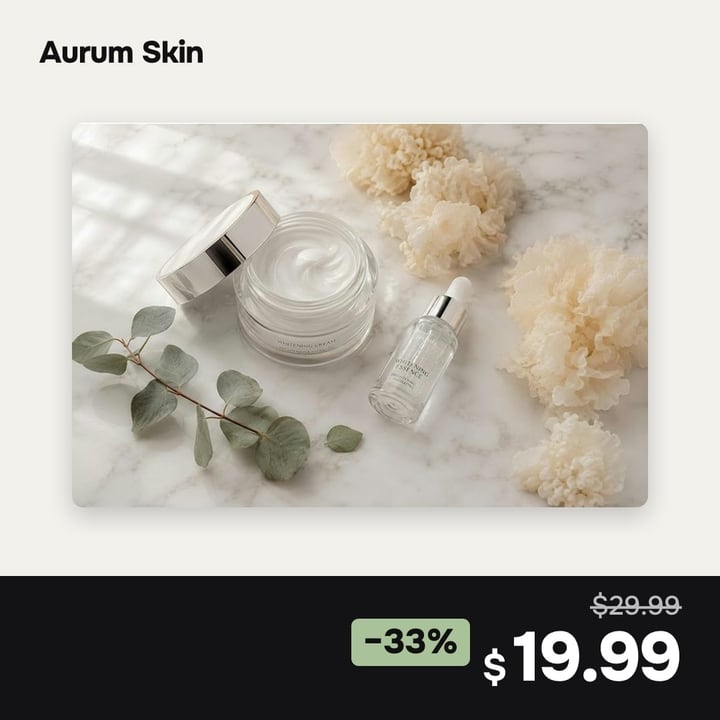
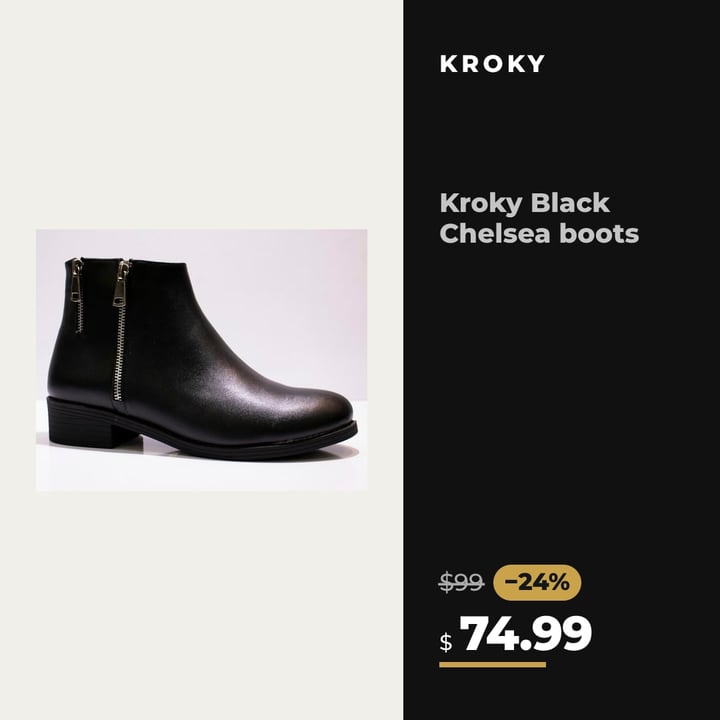
The whole photo in a thin frame, price and discount on a dark strip.
Price and discount come from your feed and update on their own. Text never covers the product, and you need no designer and no access to your ad account.
Market data: price and discount on the image add +41% and +57% ROAS on average (Confect, 568 advertisers). source
Fashion, beauty, electronics, home: any store with a product feed.
feed.csv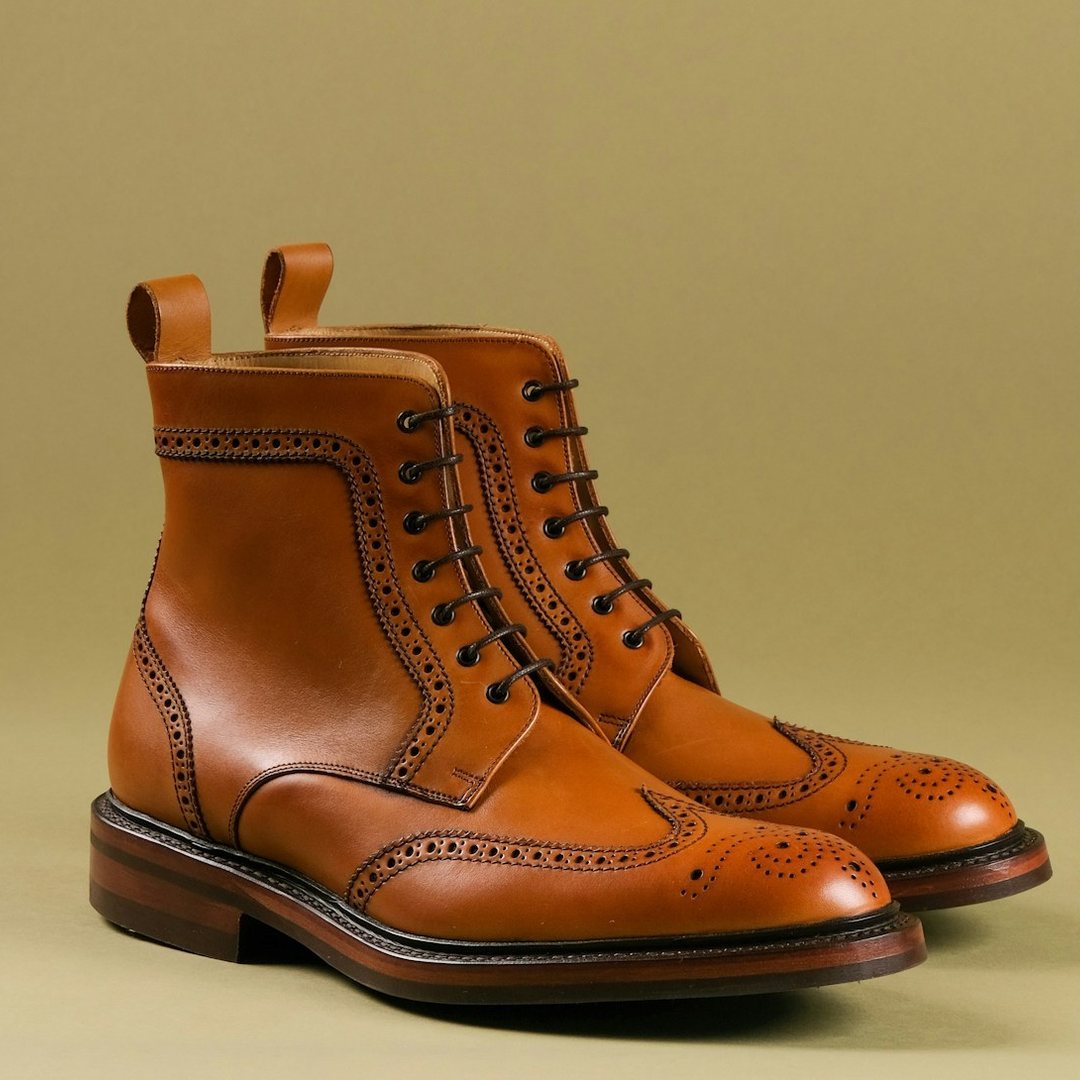
Works with the store and feed you already have. We don't touch your website.
One example and six elements. Click a marker or a row to see what each element adds on average.
Click an element
The strongest element. Up to +115% for stores with affordable prices, +24% for expensive ones.
Average effect of each element according to Confect: 568 advertisers, 6.5 billion impressions. This is a correlation from the data of a tool vendor, not ecomlune results and not a guarantee. Price and reviews lower CTR and raise conversion, so a design cannot be judged by CTR alone. Source: Confect
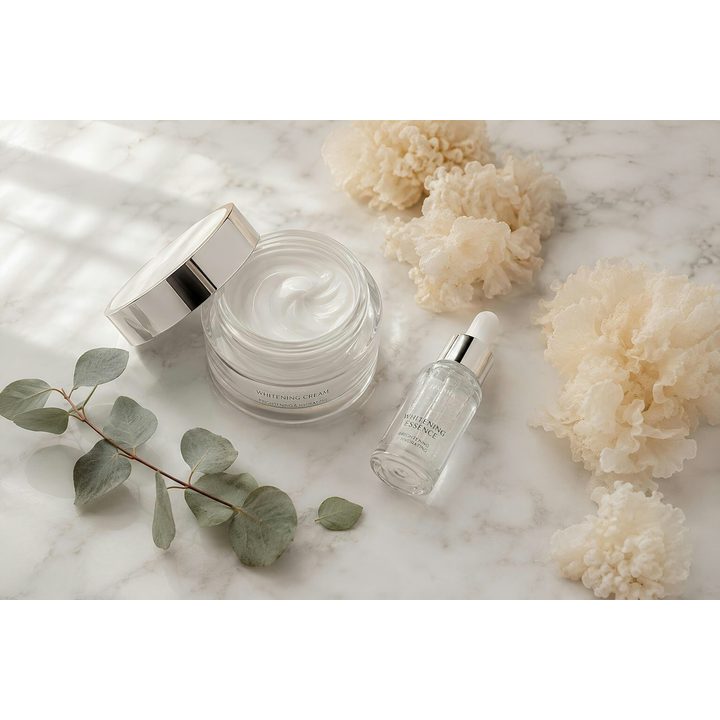
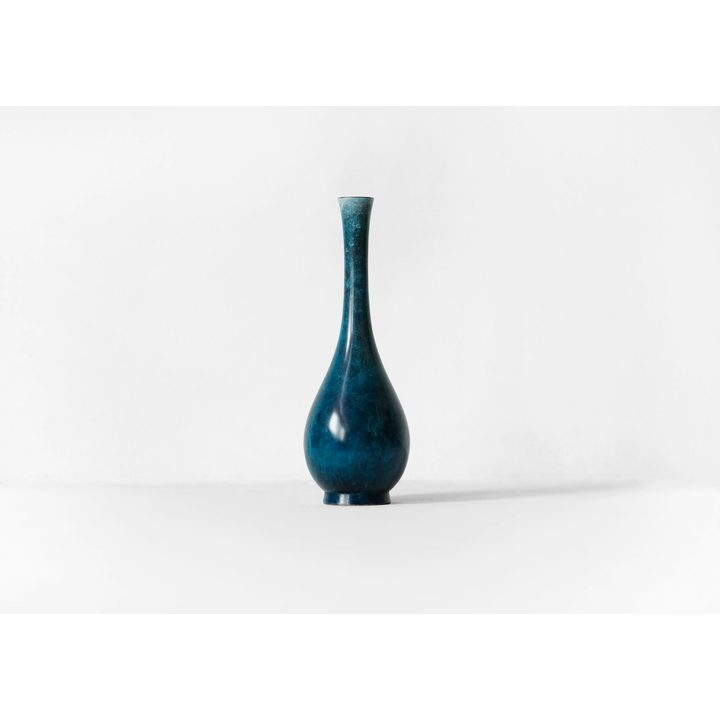
The same feed photo: plain, and with an ecomlune design.
The whole photo in a thin frame, price and discount on a dark strip.
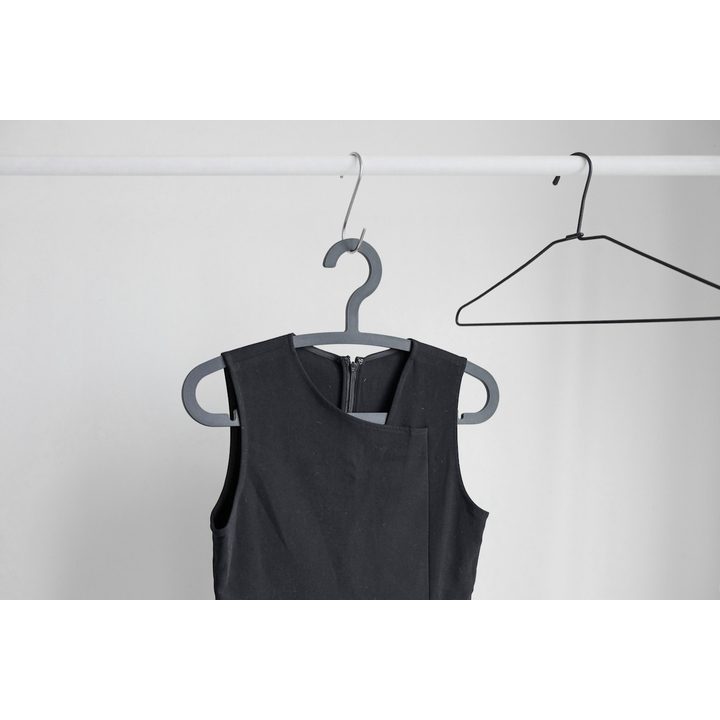
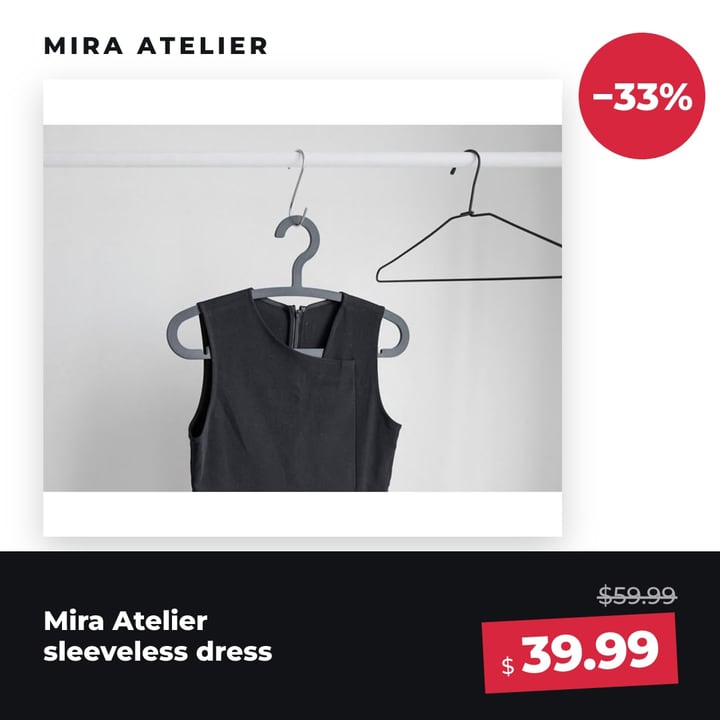
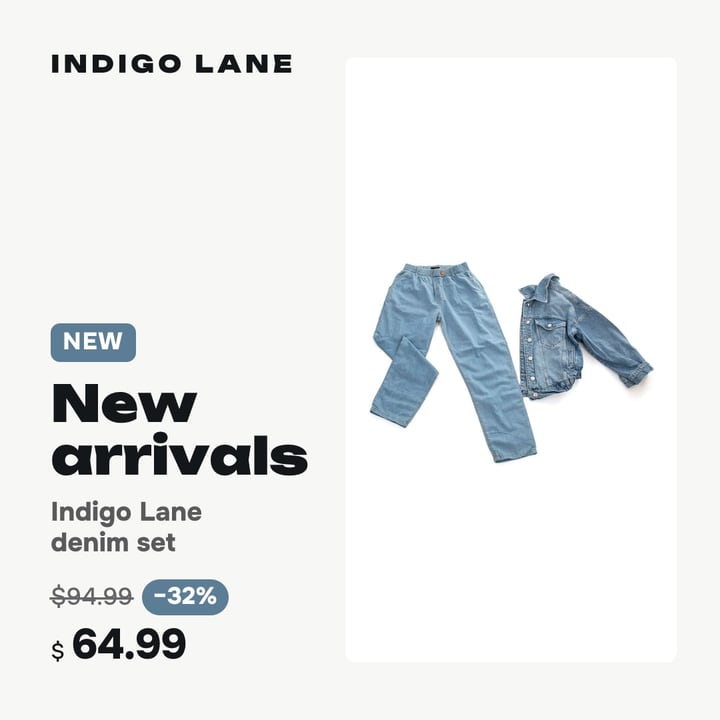
A large photo, the name and a bold price tag on a strip, the discount in a circle.
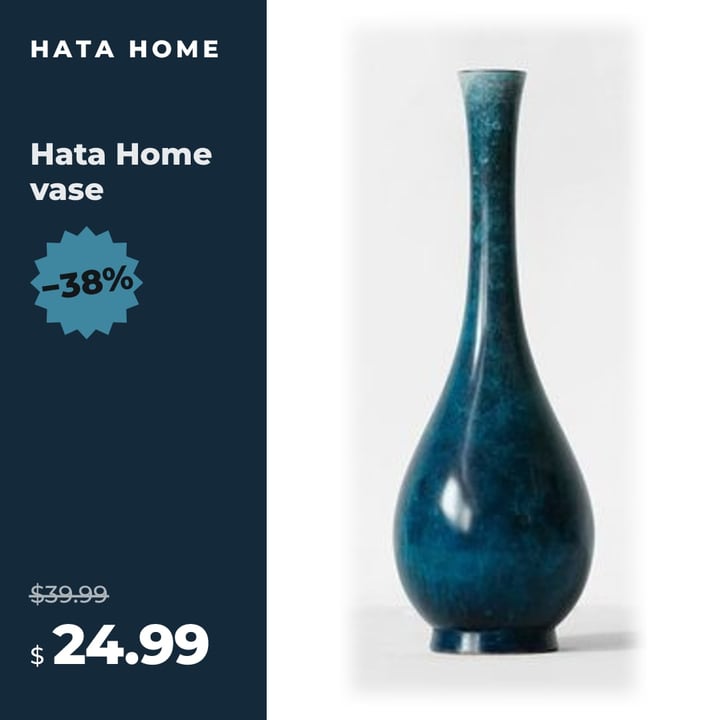
The product large and whole, a column in the brand color with discount and price.
Design example. Product and brand are fictional, this is not a client result.
Meta’s public ad library shows two schools: a clean photo and a branded frame with price. You can test both on your own catalog.
A large product on a calm background, nothing on top. Works when photos are good and consistent across the catalog.
Brand color, the price largest, a discount mark. Used by stores that compete on price or sell many brands.
For example: MediaMarkt, Leroy Merlin, JYSK, benuta
A full-length photo and a close-up, the offer in a thin strip that does not cover the product.
For example: Urban Outfitters
A flat bright background, a discount circle and a price tag in the same places on every card.
For example: Sport 24
Names are given as examples of public advertising. They are not ecomlune clients and we do not copy other brands’ ads: open the library and check for yourself.
Three variants in one catalog, equal budget, 3–4 weeks. Count purchases per 1,000 impressions and cost per purchase, not clicks.
Control: nothing changes.
The product without a background, no price or logo.
Price, discount and logo in a brand frame.
To notice a 30% difference between two variants you need about 230 purchases for each. A small store may not have enough.
Try free for 14 daysCatalog ads fill up with similar shots and the eye stops noticing them. A design of its own for each product group brings attention back to the product.
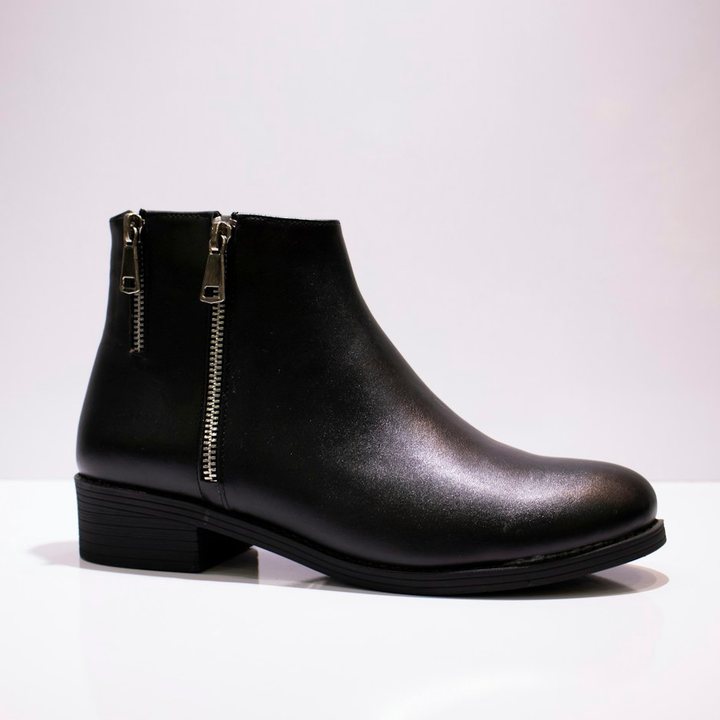
The same one your catalog already uses. The service suggests product groups on its own: by category, brand and discount.
Template, background, logo and brand colors. You see the result at once on your own products, including the hardest ones.
Your catalog and campaigns stay as they are. From then on images update together with prices, with nothing for you to do.
Set the dates once: the sale design turns on and off by itself, only on discounted products.
Shoes, cosmetics and furniture should not look the same. Groups are built from rules on your feed: category, brand, discount. Each has its own design and schedule.
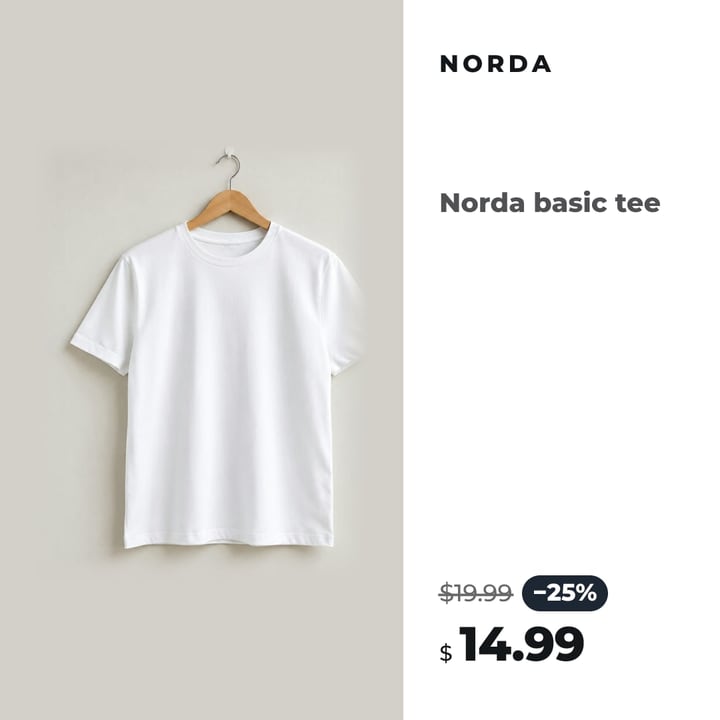
Strong contrast and a big discount: the product stands out even in a fast feed.
Pick the dates and every group with discounts gets its own design. It switches on by itself on the right day and switches off after the sale. Your nights stay yours.
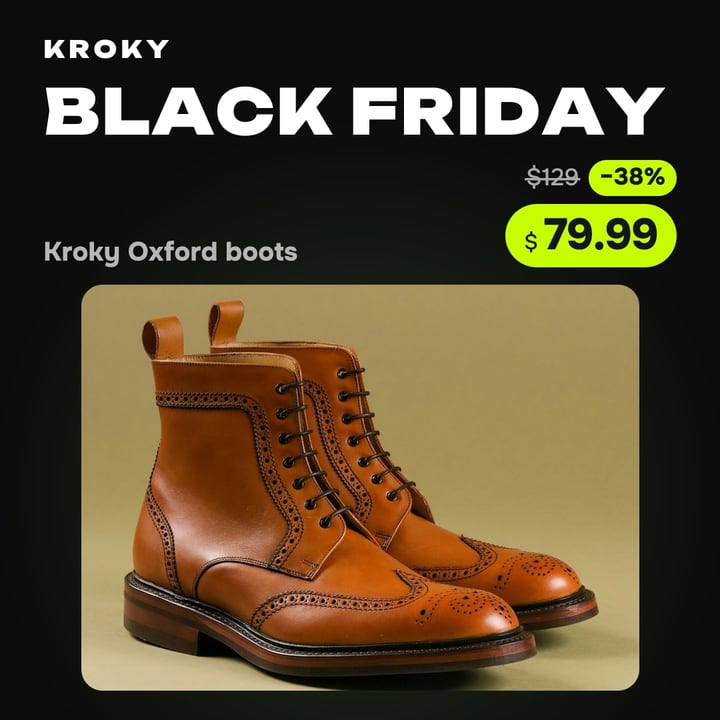
Black Friday
The sale design switches on by itself for every product with a discount.
Instead of a wall of numbers, the dashboard says what matters: what works, what waits for you and what the next step is.
Demo dashboard of a fictional store. All numbers on the screens are examples, not client results.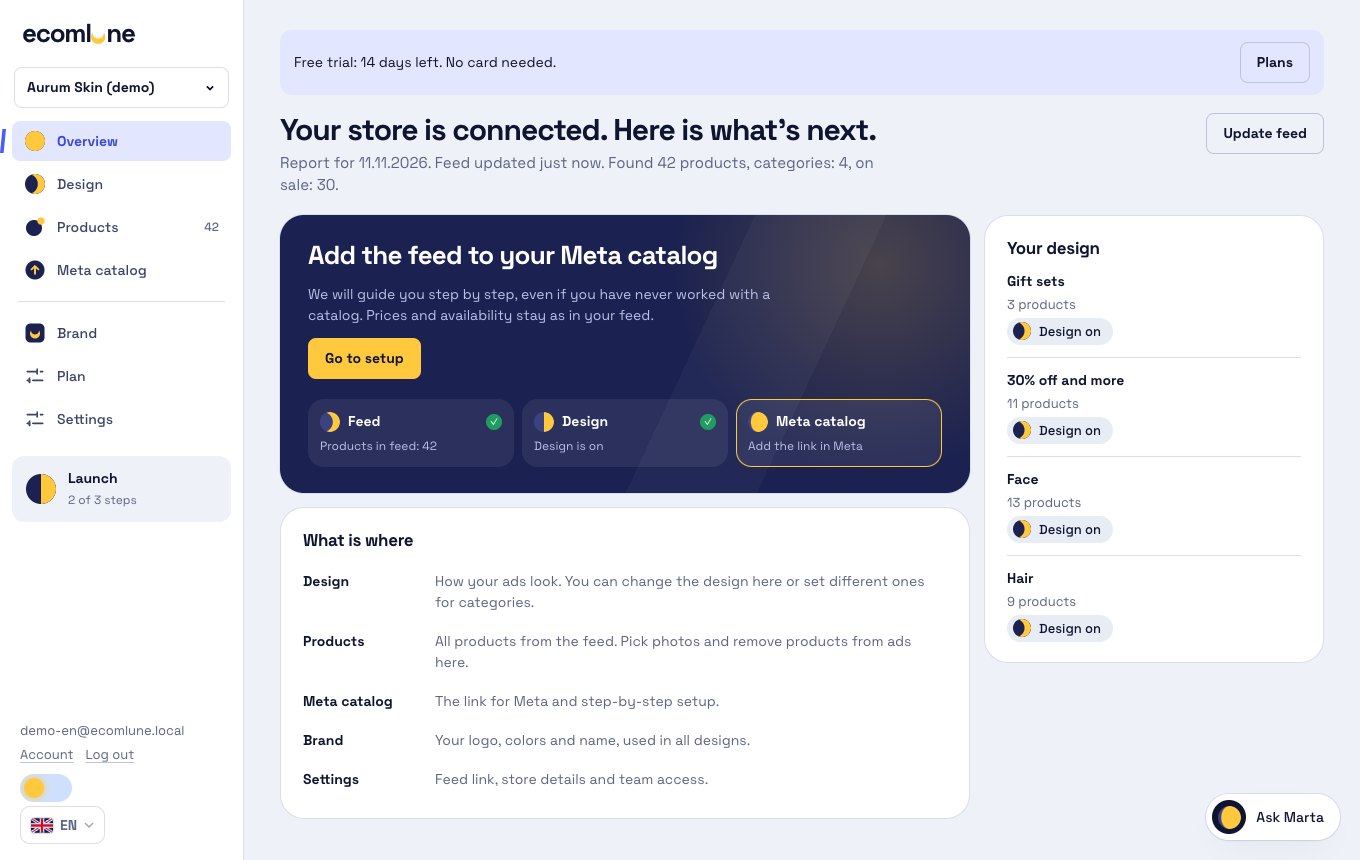
Every sign in the dashboard is a state, not decoration. One glance shows which phase your product groups are in.
The first 14 days are free, no card. Solo pays by catalog size, with every design and product group included. Running several shops? There is Studio.
For one shop
$19 per month
$0 due today, no card needed
For agencies, freelancers and several shops
Priced for your volume
We will offer a price by number of shops and products
You pay by card through Paddle, which sells the subscription as the merchant of record. Prices exclude VAT: Paddle adds your country's tax at checkout. Cancel any time, and within 30 days of a payment we refund it in full, no questions asked.
No card needed. After the trial you pick a plan by catalog size.
14 days free, no card. Then you pick a plan from $19 per month depending on the number of products. If you do not pay, everything keeps working for 7 more days, then designs switch off and your own photos return to Meta. Nothing is deleted.
Your catalog and campaigns stay the same, only an extra feed with photos is added. Switch the design off and with the next catalog update products return to your photos.
For a simple catalog they may be enough. This is a different job: a separate design for each group, a sale schedule and price and discount always matching the feed.
Yes, the service works with a feed, not with a CMS. Google XML, CSV, TSV and YML all fit.
No. Only a link to the product feed. You add the new feed to your catalog yourself, following a step-by-step guide in the dashboard.
Sale designs switch off by date, and with the next catalog update products return to the regular designs.
14 days free, no card. Then you pick a plan from $19 per month depending on the number of products. If you do not pay, everything keeps working for 7 more days, then designs switch off and your own photos return to Meta. Nothing is deleted.
For one shop
$19 per month
$0 due today, no card needed
For agencies, freelancers and several shops
Priced for your volume
We will offer a price by number of shops and products